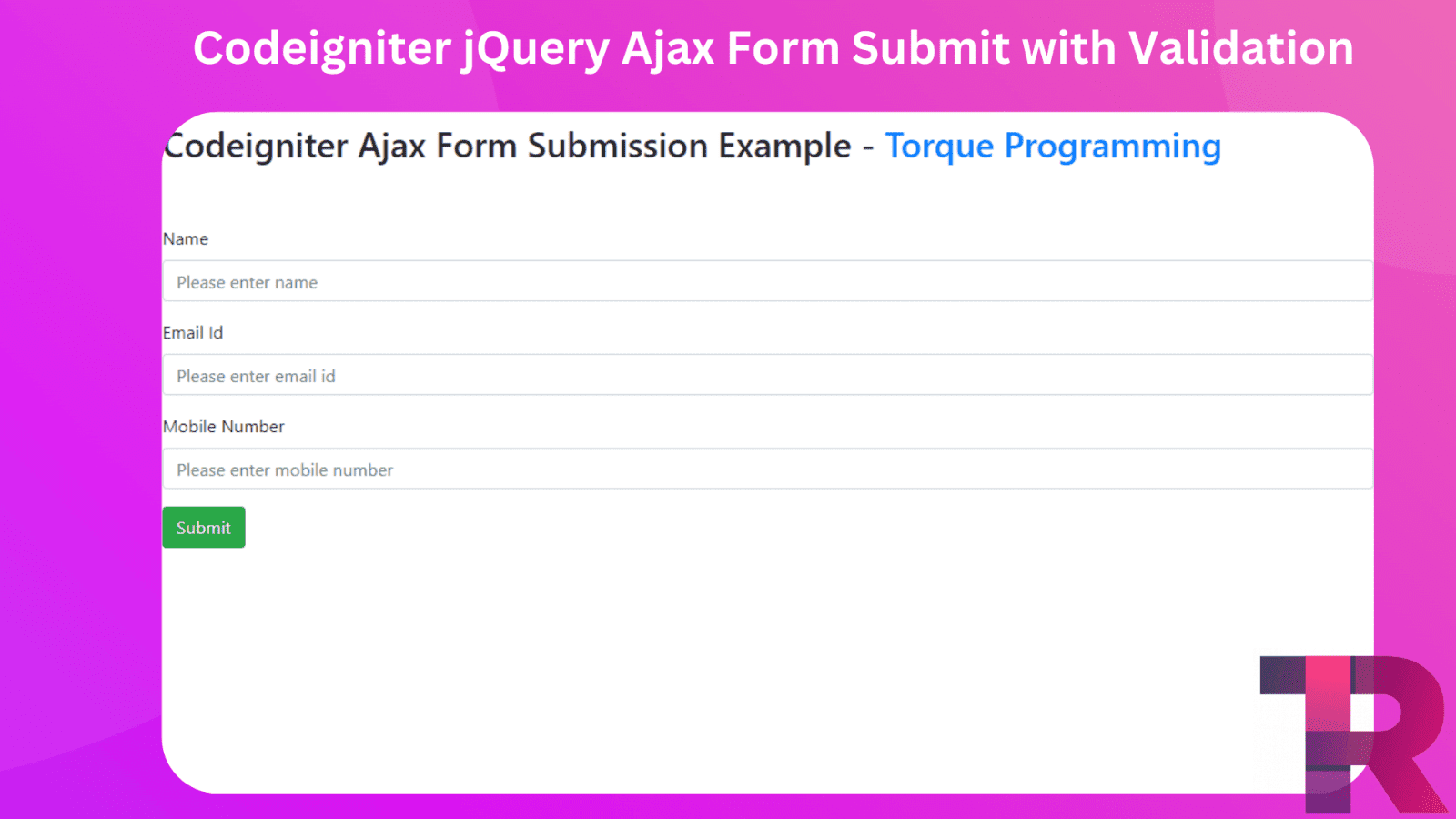
Codeigniter jQuery Ajax Form Submit with Validation
Codeigniter jQuery Ajax – In this tutorial, we will show you how to submit a form without refreshing or reloading the whole page using Jquery submit form ajax in Codeigniter. We’ll also explain how to validate the form data on the client side, and we’ll use Jquery submit handler with Jquery validation rules for the ajax form submission.
You’ll learn an easy and straightforward method to submit a form without refreshing the entire page while also validating the form data on the client side from scratch.
Codeigniter jQuery Ajax
Contents
- Download Codeigniter Project
- Basic Configurations
- Create Database With Table
- Setup Database Credential
- Create Controller
- Make Model
- Create Views
- Start Development server
- Conclusion
Download Codeigniter Project
In this next step, we’re going to download the newest version of Codeigniter. To do this, go to the website Download Codeigniter and get the most up-to-date setup. After you’ve downloaded it, unzip the setup in your local system’s xampp/htdocs/ folder. You can also rename your project folder to whatever you’d like.
Basic Configurations
Now it’s time to do some basic configuration settings on the config.php file. To do this, we’ll navigate to the application/config/config.php file and open it up in a text editor.
set base url:-
$config['base_url'] = 'http://localhost/ajax-form-validation/';Create Database With Table
For this next step, we’ll need to create a database with the name “ci-database” To do this, we’ll open up PHPMyAdmin and create the database with that name. Once it’s successfully created, we can use the following SQL query to create a table in the database.
CREATE TABLE users (

   id int(10) UNSIGNED NOT NULL,

   name varchar(191) COLLATE utf8mb4_unicode_ci NOT NULL,

   email varchar(191) COLLATE utf8mb4_unicode_ci DEFAULT NULL,

   mobile_number varchar(50) COLLATE utf8mb4_unicode_ci DEFAULT NULL,

   created_at datetime NOT NULL DEFAULT CURRENT_TIMESTAMP,

   updated_at timestamp NULL DEFAULT NULL

 ) ENGINE=InnoDB DEFAULT CHARSET=utf8mb4 COLLATE=utf8mb4_unicode_ci;
Setup Database Credential
In the following step, we’ll connect our CRUD app project to the database. To do this, we’ll go to the application/database.php file and set up our database credentials. In this file, we’ll add our database name, username, and password.
$db['default'] = array(
    'dsn'   => '',
    'hostname' => 'localhost',
    'username' => 'root',
    'password' => '',
    'database' => 'ci_database',
    'dbdriver' => 'mysqli',
    'dbprefix' => '',
    'pconnect' => FALSE,
    'db_debug' => (ENVIRONMENT !== 'production'),
    'cache_on' => FALSE,
    'cachedir' => '',
    'char_set' => 'utf8',
    'dbcollat' => 'utf8_general_ci',
    'swap_pre' => '',
    'encrypt' => FALSE,
    'compress' => FALSE,
    'stricton' => FALSE,
    'failover' => array(),
    'save_queries' => TRUE
);
Create Controller
To continue, we’ll need to create a new controller in the application/controllers/ directory called “Ajax.php.” In this controller, we’ll create some methods or functions named “create” and “store.” These functions will be used to show and store the data from the form.
<?php
class Ajax extends CI_Controller {

    public function __construct()
    {
        parent::__construct();
        $this->load->model('Form_model');
        $this->load->helper('url_helper');
        $this->load->helper('form');
        $this->load->library('form_validation');
    }
    public function create()
    {
        $data['title'] = 'jQuery Ajax Form';
        $this->load->view('jquery-ajax/jquery-ajax-form', $data);
    }
    public function store()
    {

        $insert = $this->Form_model->create();

        $data = array('success' => false, 'msg'=> 'Form has been not submitted');
        if($insert){
        $data = array('success' => true, 'msg'=> 'Form has been submitted successfully');
        }

        echo json_encode($data);

    }

}
Make Model
Next, we’ll create a new model in the application/models/ directory called “Form_model.php.” In this model, we’ll write the code that will be used to store the data from the form into the database.
<?php
class Form_model extends CI_Model {

    public function __construct()
    {
        $this->load->database();
    }


    public function create()
    {
        $this->load->helper('url');

        $data = array(
            'name' => $this->input->post('name'),
            'mobile_number' => $this->input->post('mobile_number'),
            'email' => $this->input->post('email')
        );
        $insert = $this->db->insert('users', $data);
        if ($insert) {
           return $this->db->insert_id();
        } else {
            return false;
        }
    }
}
Create View
Go to application/views/ and create a one view name ajax-form.php.
In this form, we will use a tool called “jquery” to check if the information you enter is correct. After that, we will use another tool called “ajax” to send the form to the website without reloading the page.
<!DOCTYPE html>
<html lang="en">
    <head>
        <meta charset="utf-8" />
        <meta name="viewport" content="width=device-width, initial-scale=1, shrink-to-fit=no" />
        <title>Codeigniter Ajax Form Submission Example - torqueprogramming.co.in</title>
        <link rel="stylesheet" href="https://cdnjs.cloudflare.com/ajax/libs/twitter-bootstrap/4.1.3/css/bootstrap.min.css" />
        <script src="//ajax.googleapis.com/ajax/libs/jquery/1.9.1/jquery.js"></script>
        <script src="https://cdnjs.cloudflare.com/ajax/libs/jquery-validate/1.19.0/jquery.validate.js"></script>
        <script src="https://cdnjs.cloudflare.com/ajax/libs/jquery-validate/1.19.0/additional-methods.min.js"></script>
        <style>
            .error {
                color: red;
            }
        </style>
    </head>

    <body>
        <div class="container">
            <h2 style="margin-top: 10px;">Codeigniter Ajax Form Submission Example - <a href="https://www.torqueprogramming.co.in" target="_blank">Torque Programming</a></h2>
            <br />
            <br />

            <form id="ajax_form" method="post" action="javascript:void(0)">
                <div class="form-group">
                    <label for="formGroupExampleInput">Name</label>
                    <input type="text" name="name" class="form-control" id="formGroupExampleInput" placeholder="Please enter name" />
                </div>

                <div class="form-group">
                    <label for="email">Email Id</label>
                    <input type="text" name="email" class="form-control" id="email" placeholder="Please enter email id" />
                </div>

                <div class="form-group">
                    <label for="mobile_number">Mobile Number</label>
                    <input type="text" name="mobile_number" class="form-control" id="mobile_number" placeholder="Please enter mobile number" maxlength="10" />
                </div>

                <div class="alert alert-success d-none" id="msg_div">
                    <span id="res_message"></span>
                </div>

                <div class="form-group">
                    <button type="submit" id="send_form" class="btn btn-success">Submit</button>
                </div>
            </form>
        </div>
    </body>
</html>
Now we need to create script code for submitting form data using jQuery ajax with jQuery validation.
<script>
    if ($("#ajax_form").length > 0) {
        $("#ajax_form").validate({
            rules: {
                name: {
                    required: true,
                    maxlength: 50,
                },

                mobile_number: {
                    required: true,
                    digits: true,
                    minlength: 10,
                    maxlength: 12,
                },
                email: {
                    required: true,
                    maxlength: 50,
                    email: true,
                },
            },
            messages: {
                name: {
                    required: "Please enter name",
                    maxlength: "Your last name maxlength should be 50 characters long.",
                },
                mobile_number: {
                    required: "Please enter contact number",
                    minlength: "The contact number should be 10 digits",
                    digits: "Please enter only numbers",
                    maxlength: "The contact number should be 12 digits",
                },
                email: {
                    required: "Please enter valid email",
                    email: "Please enter valid email",
                    maxlength: "The email name should less than or equal to 50 characters",
                },
            },
            submitHandler: function (form) {
                $("#send_form").html("Sending..");
                $.ajax({
                    url: "<?php echo base_url('ajax/store') ?>",
                    type: "POST",
                    data: $("#ajax_form").serialize(),
                    dataType: "json",
                    success: function (response) {
                        console.log(response);
                        console.log(response.success);
                        $("#send_form").html("Submit");
                        $("#res_message").html(response.msg);
                        $("#res_message").show();
                        $("#msg_div").removeClass("d-none");

                        document.getElementById("ajax_form").reset();
                        setTimeout(function () {
                            $("#res_message").hide();
                            $("#msg_div").hide();
                        }, 10000);
                    },
                });
            },
        });
    }
</script>
The above code put on the form after closing a body tag.
Start Development server

We will hit the below url in browser and run our created project.
http://localhost/ajax-form/ajax/createThis tutorial shows how to submit a form in CodeIgniter using jQuery ajax without refreshing the page. We created a form and were able to submit it without having to reload the entire page.